You manage a building, a lot or a job site in the Seattle area. Something happened. Maybe a car got broken into in the garage, or tools went missing over a weekend. Now you want cameras, and the first question is simple: how much is this going to cost?
The honest answer is that it depends on your property. But the things that drive the price are easy to understand. This guide walks through them in plain English, with general industry ranges, so you can plan a budget and ask good questions.
How much do commercial security cameras cost?
National cost guides give a starting point. Keep in mind that most of their numbers are for small systems of four to six cameras. A larger commercial building is a different project.
- A small professional system: Business.com says a four-camera business system, with equipment and installation from a professional vendor, typically runs about $800 to $2,000 in total.
- The cameras themselves: Angi lists wired camera hardware at roughly $150 to $500 per camera.
- Installation labor: Angi puts installation at about $100 to $350 per camera.
- Seattle specifically: Angi reports that camera installs in Seattle typically fall between about $1,000 and $2,700. Those are mostly home jobs, so treat them as a floor, not a ceiling, for a business.
A commercial property with many cameras, long cable runs, a parking garage or several buildings will usually cost more than these small-system ranges. That is why a walk-through of the site matters before anyone gives you a real number.
What drives the cost of a camera system?
Two buildings with the same number of cameras can end up with very different prices. Here is what usually makes the difference.
1. How many cameras you need, and where
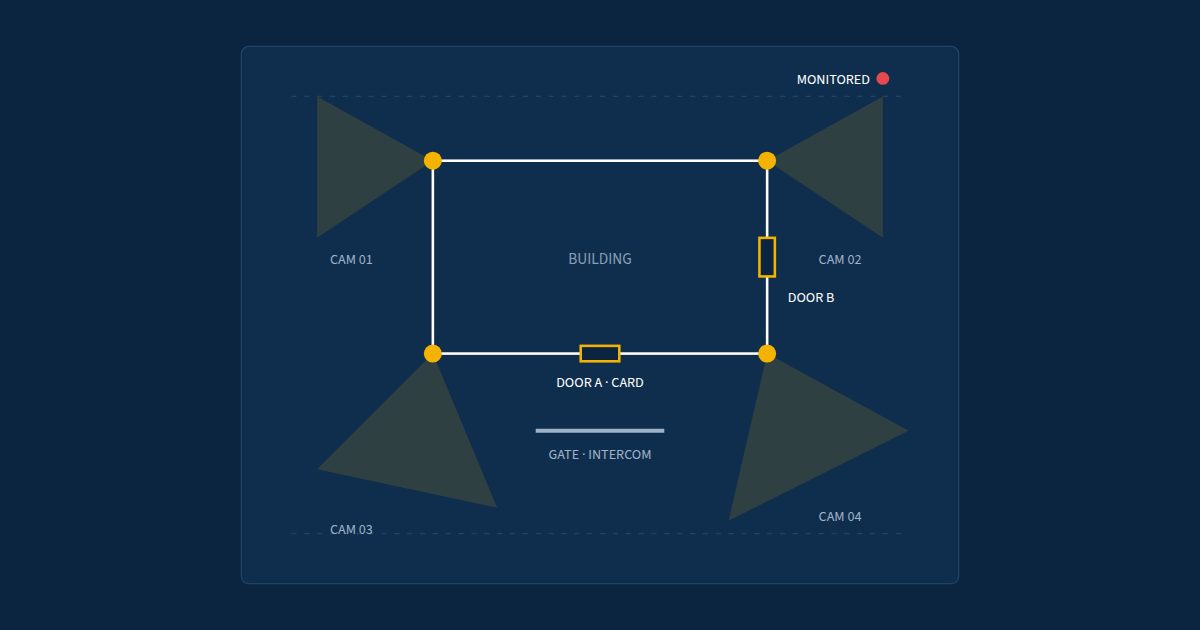
This is the biggest factor. Entrances, parking areas, loading docks, mail rooms and fence lines each need coverage. A good plan puts cameras where they answer real questions, like who came in, which car, and what time. More cameras is not always better. The right cameras in the right spots is better.
2. The type of camera
Basic fixed cameras cost less. Cameras that can read a license plate, see well in the dark, or cover a wide lot cost more. You may also hear about PTZ cameras. That stands for pan-tilt-zoom, which means a camera that can turn and zoom in. They are useful for big open areas but cost more than fixed cameras.
3. Wiring and the building itself
Most business cameras run on a network cable that carries both power and video. Pulling that cable is a big part of the labor. HomeGuide lists cable runs at roughly $50 to $120 per camera on simple jobs. Costs go up with:
- High ceilings or tall poles that need a lift
- Concrete walls, finished ceilings or long distances
- Outdoor cameras that need weather-rated mounts and boxes
- Spots with no power or network nearby, such as a far corner of a lot
4. Where the video is stored
Video has to be saved somewhere. There are two common ways:
- A recorder box on site. This is often called an NVR, or network video recorder. It is a box with hard drives that sits in a closet. HomeGuide lists these at about $150 to $500 for smaller systems. Bigger systems need bigger recorders.
- Cloud cameras. Video is saved online, and you view it from a phone or browser. These systems usually come with a yearly software license for each camera. Pricing varies by brand, so ask about the ongoing fee.
Neither is always better. It depends on how many sites you have, who needs to watch video, and how long you need to keep it.
5. Monitoring
Cameras that only record are useful after something happens. Some owners also want someone watching live. With 24/7 remote video monitoring, a security team checks alerts, can talk to an intruder over a speaker, and calls police when it is a real incident. That is a monthly service on top of the install, so plan for it in your budget if you want it.
6. Your network
Cameras sit on your network, just like computers. If your network closet is crowded or out of date, it may need work first. Planning the cameras and the network together avoids surprises. Our low-voltage and cabling work covers that side of the job.
Are there Seattle-area factors that affect the price?
Yes, a few. Our weather and our building boom both play a part.
- Rain: Outdoor cameras here need to be rated for wet weather, with sealed connections.
- Dark winters: It gets dark early from fall through spring. Cameras with good night vision, or added lighting, make a big difference in lots and garages.
- Car prowls: Break-ins are a common worry in lots and garages. Covering entry lanes and drive aisles well can mean more cameras than you first expect.
- New construction: On a new build, running cable before walls close up is much easier than adding it later. If you are building, bring cameras into the plan early.
Do I need cameras on a job site with no power?
Not always the permanent kind. For job sites and open lots, a solar camera trailer can be a good fit. Our trailers are rental only. Each one has a 26-foot mast, one pan-tilt-zoom camera and two fixed 4K (very high-resolution) cameras. Solar panels charge batteries that last about a week without sun, and video goes out over a cellular connection, the same kind of signal your phone uses. You can learn more on our trailers and camera poles page.
How can I keep camera costs under control?
- Start with the problem. Write down what you are trying to stop or prove. That keeps the plan focused.
- Cover the key spots first. Entrances, exits and parking are usually the most important.
- Ask about total cost, not just install. Include licenses, monitoring and upkeep over a few years.
- Plan for growth. A system that can add cameras later saves money down the road.
- Get a site visit. A price given without seeing the property is a guess.
Frequently asked questions
Can I get an exact price over the phone?
Usually not. Wiring paths, ceiling heights and power make a big difference. A short on-site visit is the best way to get a real number.
Are cloud cameras more expensive than a recorder?
It depends. Cloud systems often have a yearly license per camera. Compare the total cost over several years, not just the first bill.
Can you add cameras to the system I already have?
Often, yes. It depends on the age and brand of your current system. We can look at what you have and tell you what makes sense to keep.
Have a question about your property? Reach out and we call back within one business day.